
INVENTORY MANAGEMENT
INVENTORY MANAGEMENT
INVENTORY MANAGEMENT
Know what's in stock, and what's
running low, before you run out.
Know what's in stock, and what's running low, before you run out.
Know what's in stock, and what's
running low, before you run out.
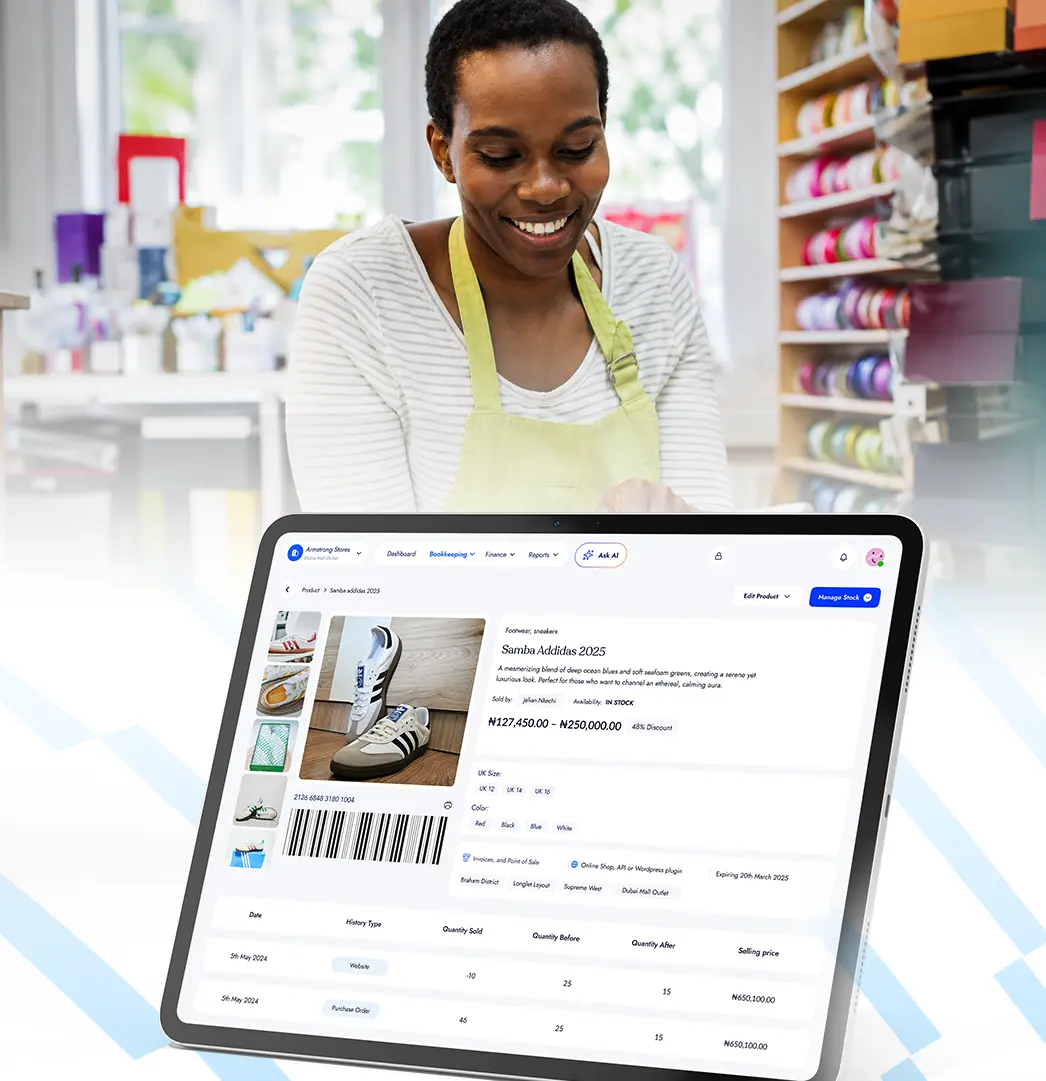
Track stock across every product and location, get alerted when items are running low, and keep inventory updated as you sell.
Track stock across every product and location, get alerted when items are running low, and keep inventory updated as you sell.

EVERYTHING YOU NEED
Everything you need to manage inventory with confidence.
EVERYTHING YOU NEED
Everything you need to manage inventory with confidence.
Keep stock updated as you sell
Every sale automatically updates your available stock, so your numbers stay current without manual adjustments.
Know before you're running low
Set a low-stock level for each product and get notified when it's time to restock.
Manage every product variation
Track sizes, colours and other variations under one product while keeping individual stock counts organised.
See stock across every location
Manage inventory across your shops, branches and locations from one account.
Move stock between locations
Transfer products from one location to another while keeping both inventory counts accurate.
Know what to restock
Use your sales history to understand what's moving and make better decisions about what to reorder.
EVERYTHING YOU NEED
Everything you need to manage inventory with confidence.
HOW IT WORKS
HOW IT WORKS
From stock coming in to products going out.
From stock coming in to products going out.
From stock coming in to products going out.
Add products
Add products individually or import your existing inventory in bulk, including prices and opening stock.

01

02
03
04
Add products
Add products individually or import your existing inventory in bulk, including prices and opening stock.
01
Set your stock level
Choose when each product should be considered low so BrandDrive knows when to alert you.
02
Sell as usual
Sales from your POS and online store automatically reduce the available stock.
03
Restock on time
See what's running low and use your sales history to decide what needs to be reordered.
04
One Connected System
One Connected System
One product.
One connected business.
One product.
One connected business.
One product.
One connected business.
Point of Sale
Every sale made through BrandDrive POS automatically updates the stock for the products sold, keeping your available inventory accurate without manual adjustments.

Online Store
Keep online and in-store stock in sync.

Customers & Vendors
Reorder straight from the supplier who stocks the item, so restocking is one move, not three.
Business Analytics
See the value of what you're holding, spot dead stock trapping cash, and find your best sellers.
Point of Sale
Every sale made through BrandDrive POS automatically updates the stock for the products sold, keeping your available inventory accurate without manual adjustments.
Online Store
When customers buy from your online store, BrandDrive updates the same inventory you use across the rest of your business, so you're not managing separate stock counts.
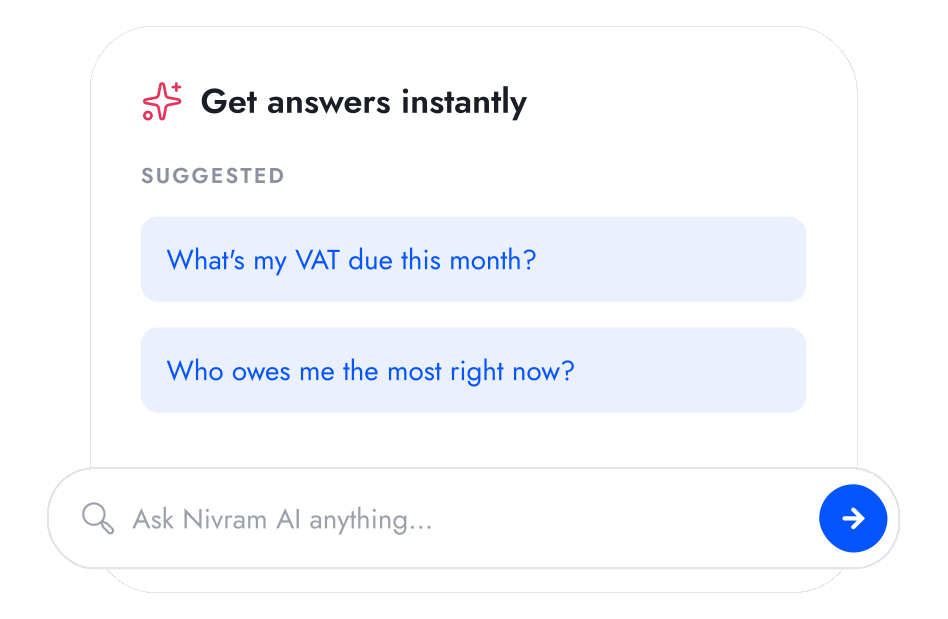
Customers & Vendors
Reorder straight from the supplier who stocks the item, so restocking is one move, not three.
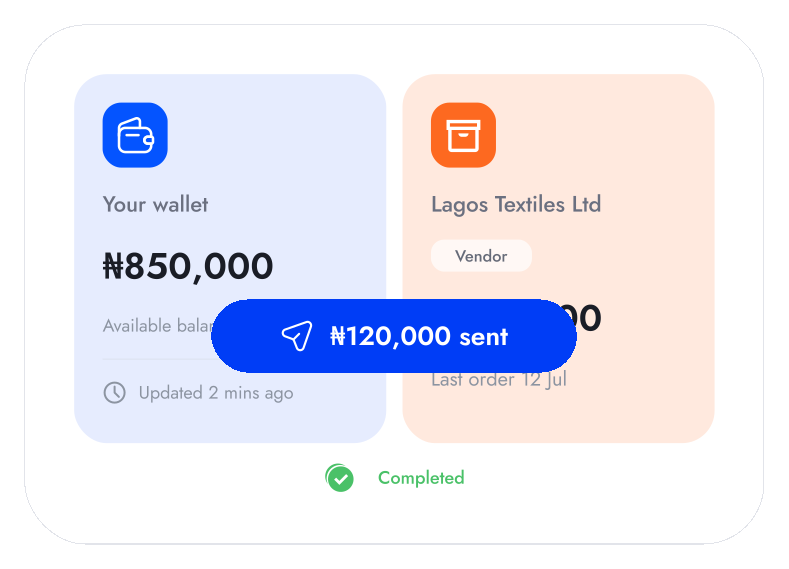
Business Analytics
See the value of what you're holding, spot dead stock trapping cash, and find your best sellers.

Point of Sale
Every sale made through BrandDrive POS automatically updates the stock for the products sold, keeping your available inventory accurate without manual adjustments.
Online Store
When customers buy from your online store, BrandDrive updates the same inventory you use across the rest of your business, so you're not managing separate stock counts.
Customers & Vendors
Reorder straight from the supplier who stocks the item, so restocking is one move, not three.
Business Analytics
See the value of what you're holding, spot dead stock trapping cash, and find your best sellers.
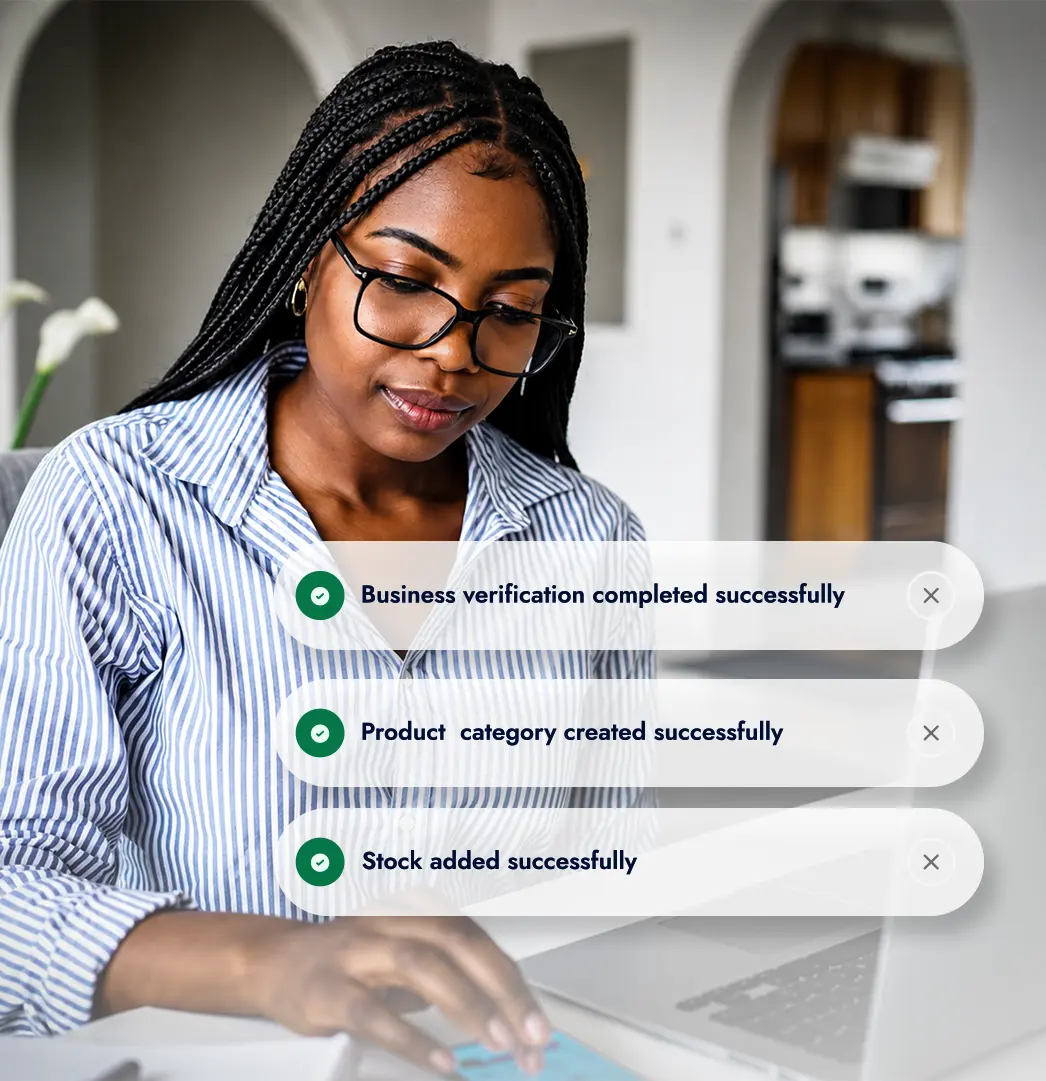
Pay your team, update your accounts, manage approvals and understand your staff costs without moving information between different tools.
Pay your team, update your accounts, manage approvals and understand your staff costs without moving information between different tools.
One Connected System
Start free and add your products
Create your BrandDrive account and add everything you sell. Enter products manually or import your existing inventory to get your store ready faster.
One Connected System
Start free and add your products
Create your BrandDrive account and add everything you sell. Enter products manually or import your existing inventory to get your store ready faster.
One Connected System
Start free and add your products
Create your BrandDrive account and add everything you sell. Enter products manually or import your existing inventory to get your store ready faster.
THE AI THAT KNOWS YOUR BUSINESS
Your appointment data can tell you more.
Nivram reads your sales, stock, expenses, and invoices, then tells you what is working, what is slipping, and what to do next. Ask it anything and get an answer in seconds.
Explore Nivram
THE AI THAT KNOWS YOUR BUSINESS
Your appointment data can tell you more.
Nivram reads your sales, stock, expenses, and invoices, then tells you what is working, what is slipping, and what to do next. Ask it anything and get an answer in seconds.
Explore Nivram
THE AI THAT KNOWS YOUR BUSINESS
Your appointment data can tell you more.
Nivram reads your sales, stock, expenses, and invoices, then tells you what is working, what is slipping, and what to do next. Ask it anything and get an answer in seconds.
Explore Nivram
BUILT FOR YOU
BUILT FOR YOU
Built for businesses that depend on inventory
Built for businesses that depend on inventory
Built for businesses that depend on inventory

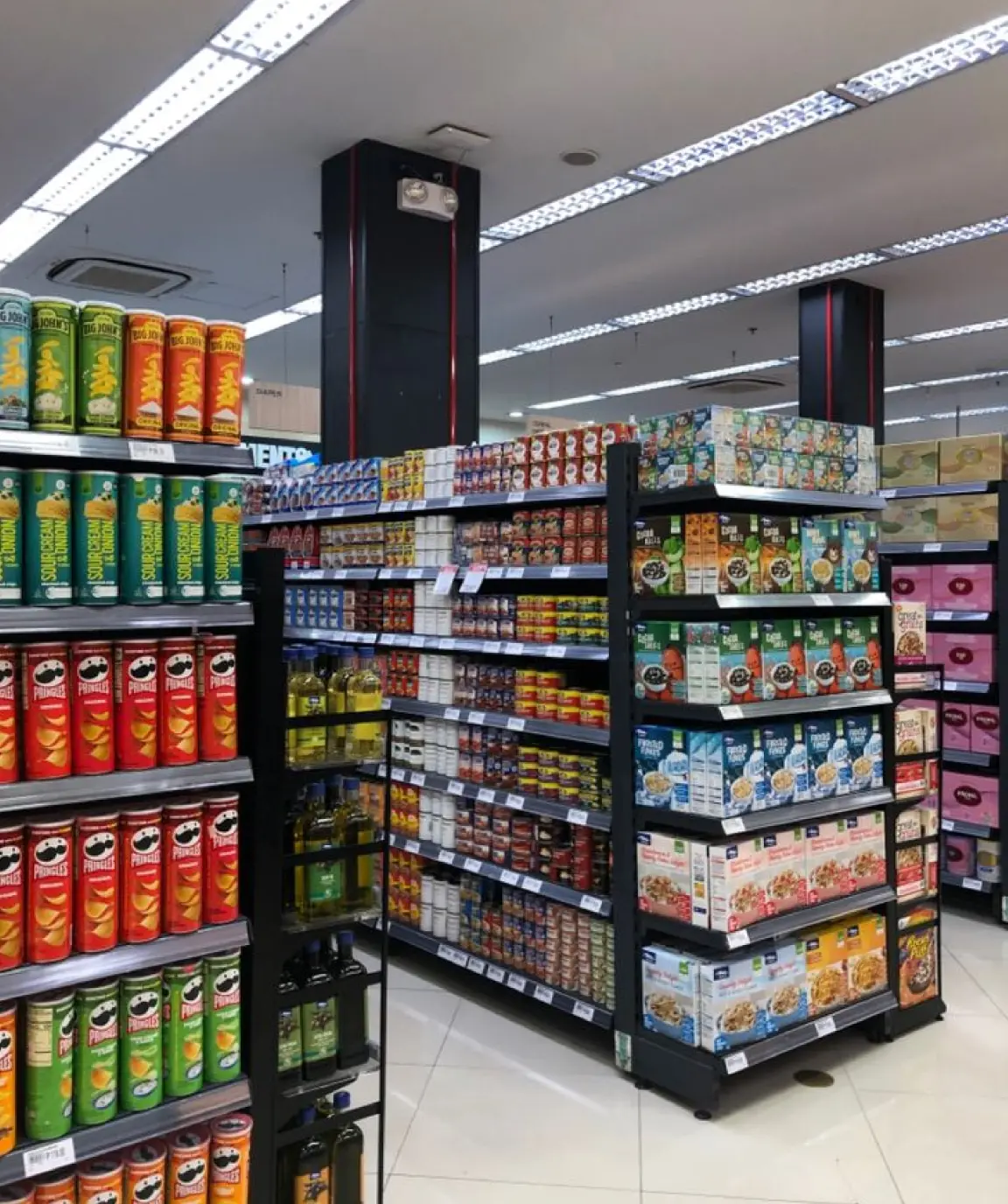
Retail & FMCG
Know what's available, what's selling and what needs restocking across every sales channel.
Learn more


Multi-location Businesses
See stock across branches, move products between locations and manage everything from one account.
Learn more

Food & Hospitality
Keep ingredients, supplies and products organised so you know what's available and can reduce unnecessary waste.
Learn more
Retail & FMCG
Know what's available, what's selling and what needs restocking across every sales channel.
Learn more
Multi-location Businesses

See stock across branches, move products between locations and manage everything from one account.
Learn more
Food & Hospitality

Keep ingredients, supplies and products organised so you know what's available and can reduce unnecessary waste.
Learn more
Retail & FMCG
Know what's available, what's selling and what needs restocking across every sales channel.
Learn more
Multi-location Businesses
See stock across branches, move products between locations and manage everything from one account.
Learn more
Food & Hospitality
Keep ingredients, supplies and products organised so you know what's available and can reduce unnecessary waste.
Learn more

Start free. Upgrade when you outgrow it.
BrandDrive has a free plan built for a one-person business. Add features as you grow. No card needed to start.
BrandDrive has a free plan built for a one-person business. Add features as you grow. No card needed to start.
See pricing
Your questions,
answered
Your questions,
answered
Your questions,
answered
Can't find what you're looking for? Reach out to our
team at hello@branddrive.co
Can't find what you're looking for? Reach out to our team at hello@branddrive.co
Can't find what you're looking for? Reach out to our
team at hello@branddrive.co
What is BrandDrive inventory management?
BrandDrive inventory management is the stock-tracking part of BrandDrive, the AI-powered business operating system for African businesses. It keeps a live count of what you have in stock, alerts you before items run out, and updates automatically with every sale across your POS and online store.
Does BrandDrive send low-stock alerts?
Yes. Set a low-stock level for each product and BrandDrive notifies you when stock reaches that point, so you can reorder before you run out.
Can I manage inventory across more than one branch?
Yes. You can track stock across multiple branches from one account, and move stock between them. The number of branches depends on your plan.
Does inventory sync with my POS and online store?
Yes. Inventory, Point of Sale, and your Online Store share one stock count. Every sale, in-store or online, updates the same number in real time.
Can I upload my products in bulk?
Yes. Import your product list from a CSV of up to 5,000 items, or add products one at a time by scanning a barcode or taking a photo.
What is BrandDrive inventory management?
BrandDrive inventory management is the stock-tracking part of BrandDrive, the AI-powered business operating system for African businesses. It keeps a live count of what you have in stock, alerts you before items run out, and updates automatically with every sale across your POS and online store.
Does BrandDrive send low-stock alerts?
Yes. Set a low-stock level for each product and BrandDrive notifies you when stock reaches that point, so you can reorder before you run out.
Can I manage inventory across more than one branch?
Yes. You can track stock across multiple branches from one account, and move stock between them. The number of branches depends on your plan.
Does inventory sync with my POS and online store?
Yes. Inventory, Point of Sale, and your Online Store share one stock count. Every sale, in-store or online, updates the same number in real time.
Can I upload my products in bulk?
Yes. Import your product list from a CSV of up to 5,000 items, or add products one at a time by scanning a barcode or taking a photo.
What is BrandDrive inventory management?
BrandDrive inventory management is the stock-tracking part of BrandDrive, the AI-powered business operating system for African businesses. It keeps a live count of what you have in stock, alerts you before items run out, and updates automatically with every sale across your POS and online store.
Does BrandDrive send low-stock alerts?
Yes. Set a low-stock level for each product and BrandDrive notifies you when stock reaches that point, so you can reorder before you run out.
Can I manage inventory across more than one branch?
Yes. You can track stock across multiple branches from one account, and move stock between them. The number of branches depends on your plan.
Does inventory sync with my POS and online store?
Yes. Inventory, Point of Sale, and your Online Store share one stock count. Every sale, in-store or online, updates the same number in real time.
Can I upload my products in bulk?
Yes. Import your product list from a CSV of up to 5,000 items, or add products one at a time by scanning a barcode or taking a photo.