
POINT OF SALE
POINT OF SALE
Ring up every sale in seconds.
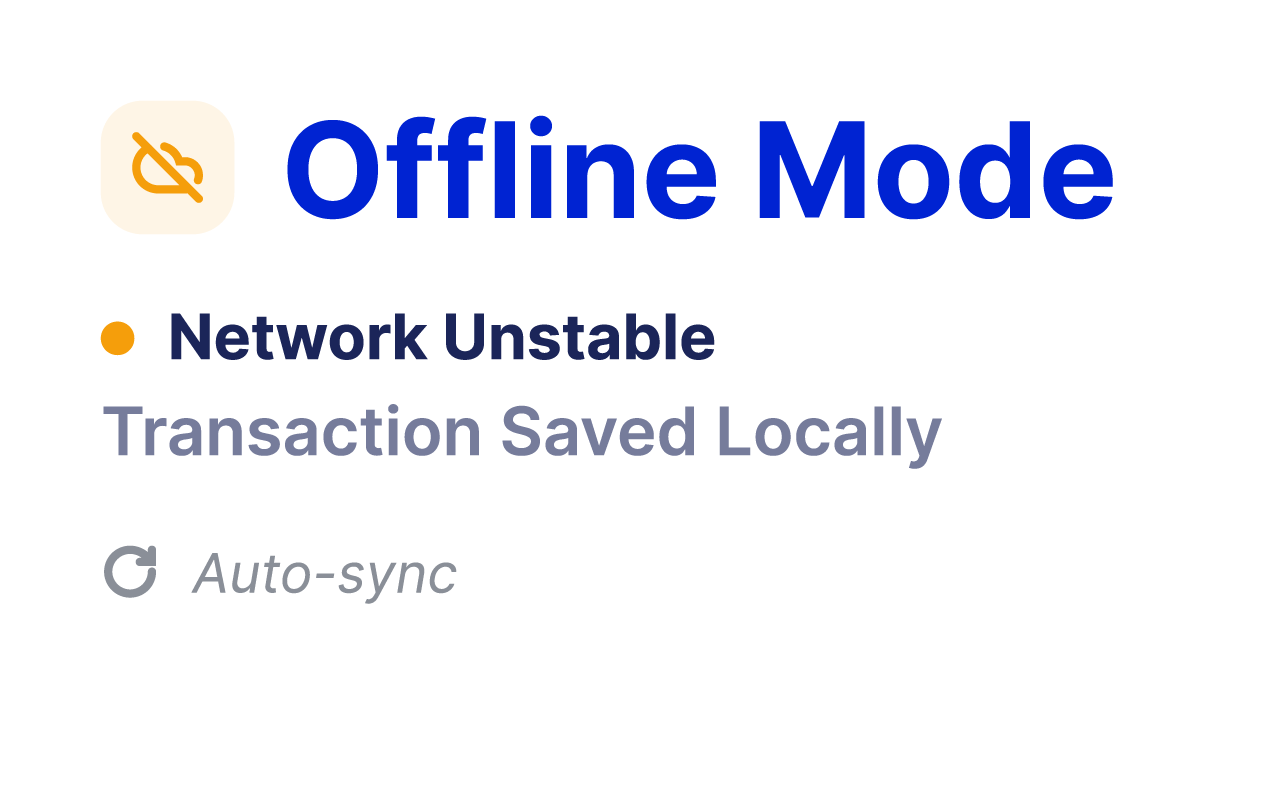
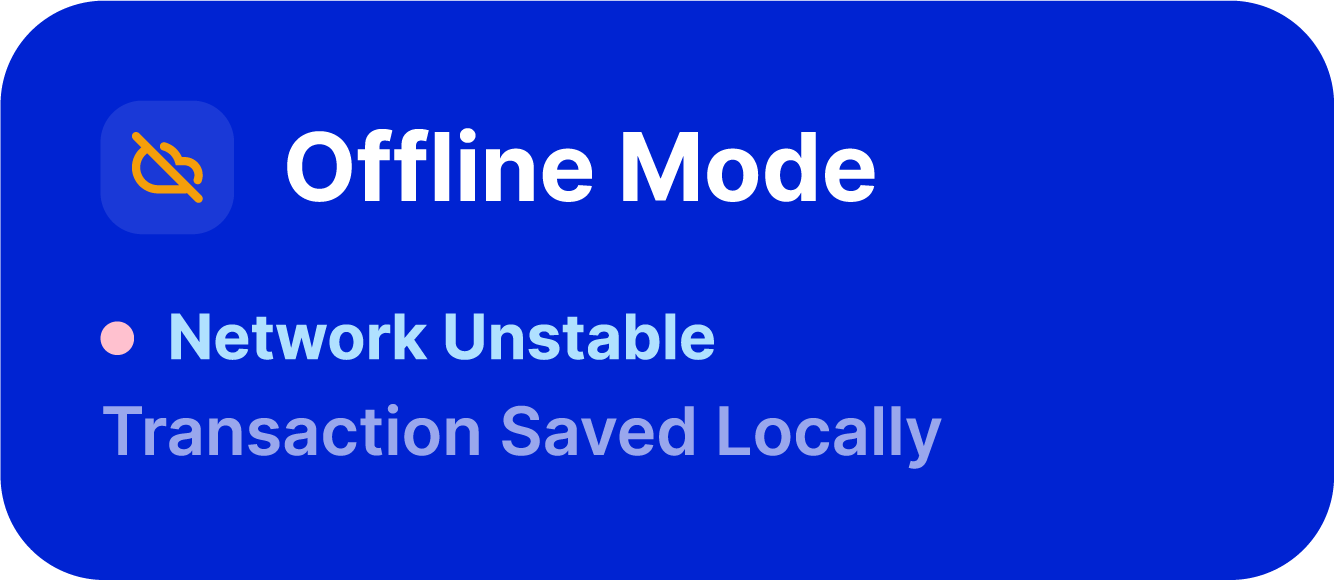
Even when the network drops.
Ring up every sale in seconds. Even when the network drops.
Ring up every sale in seconds.
Even when the network drops.
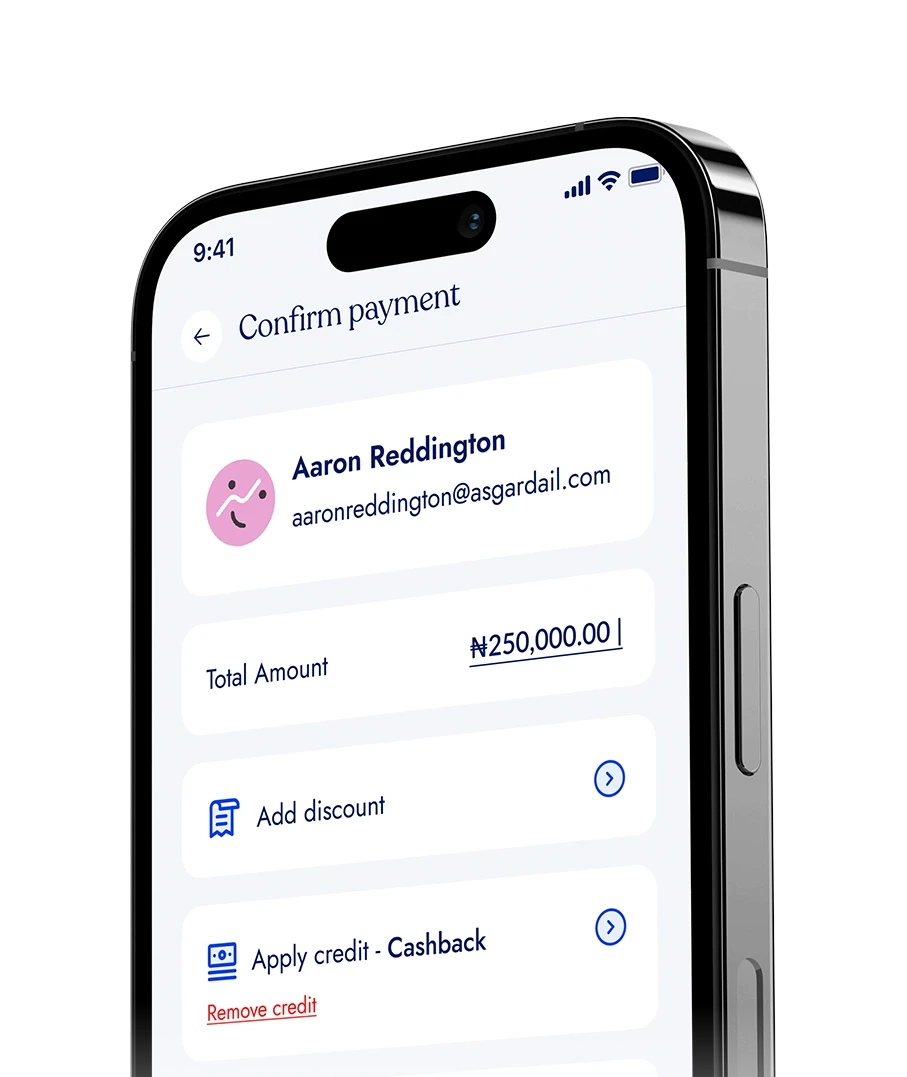
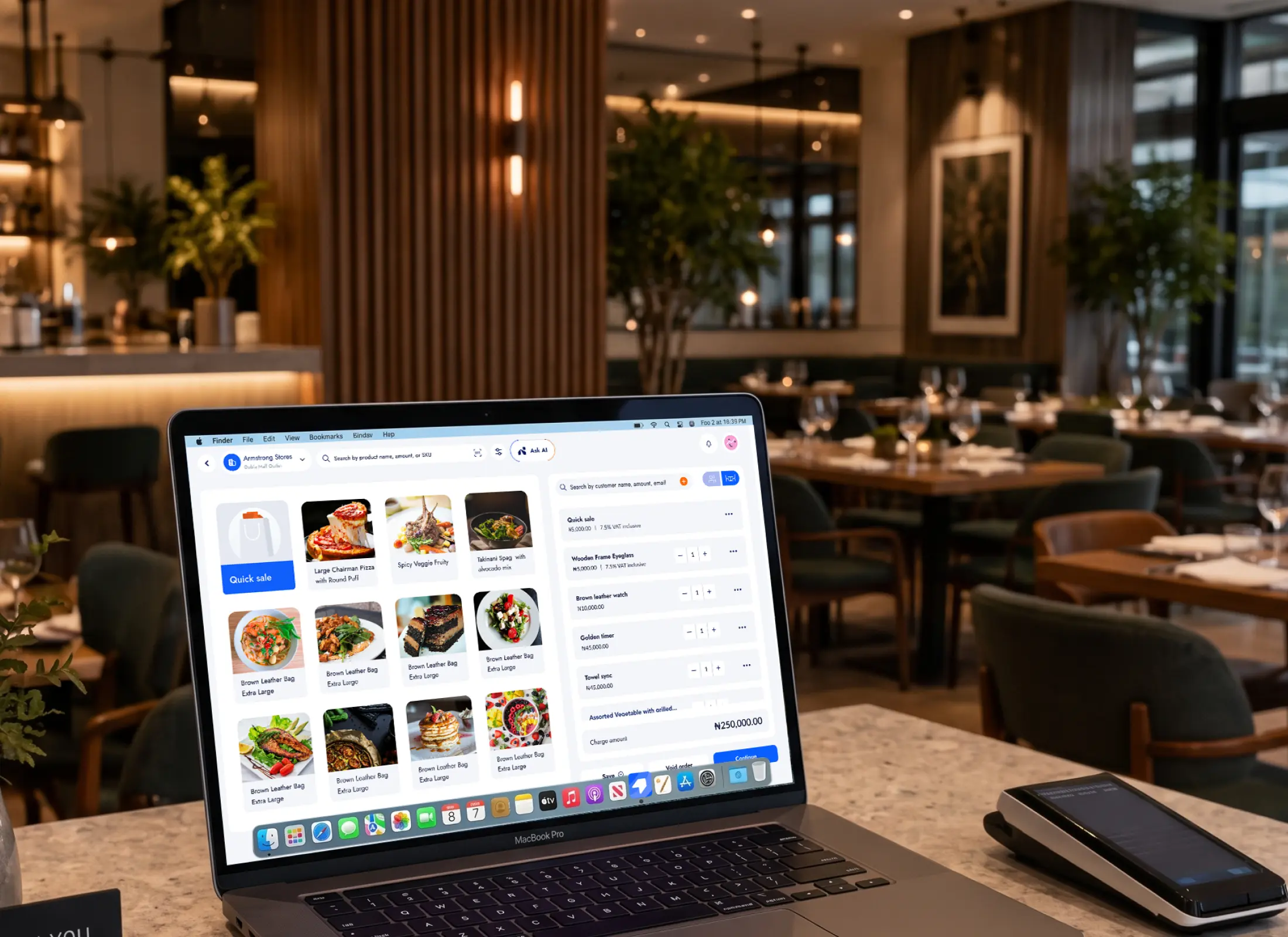
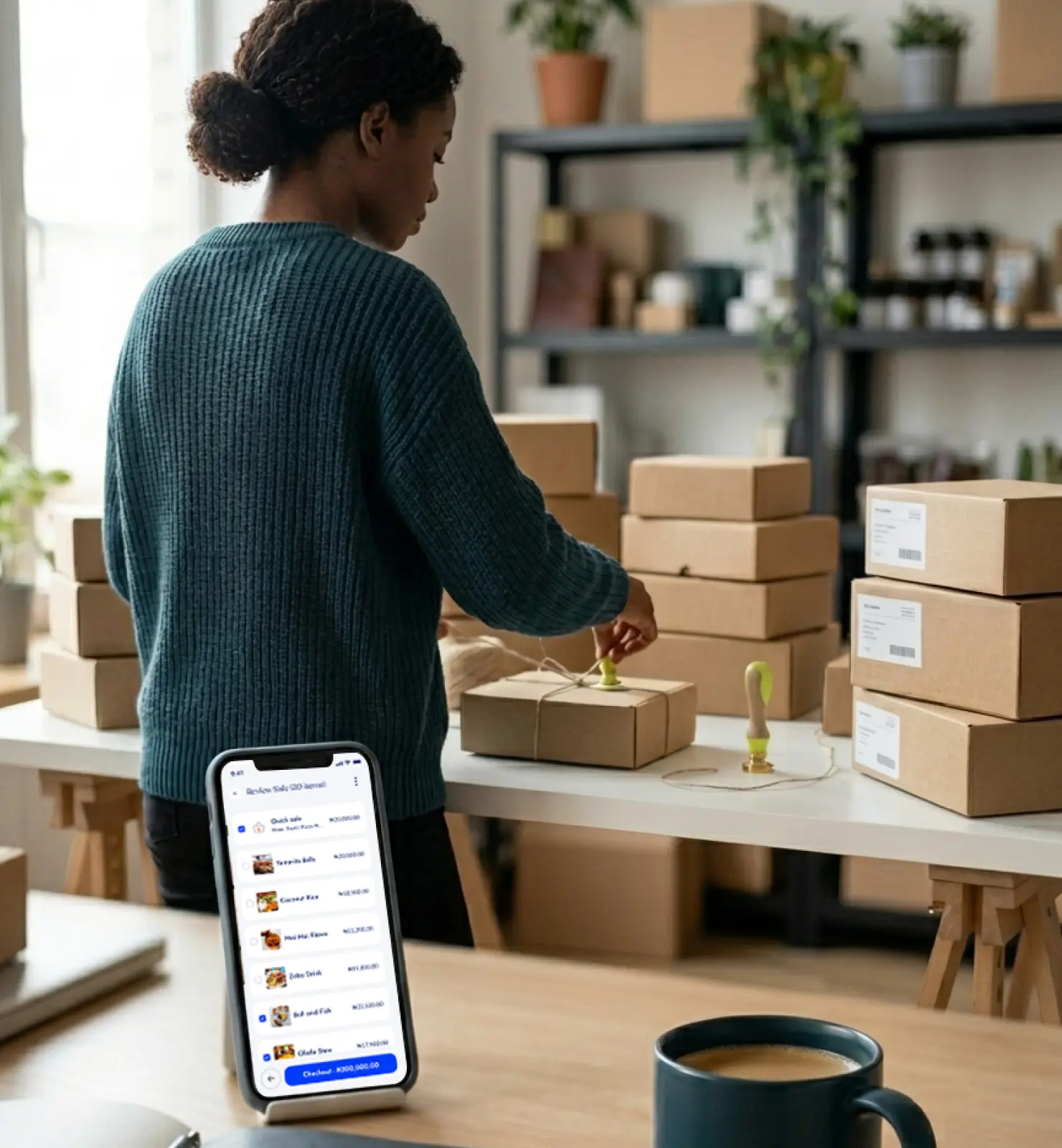
Sell from your phone, tablet or computer, accept different payment methods,
and keep every sale, stock update and staff action recorded automatically.
Sell in-store, online, and offline. Every sale updates your stock, your takings, and who made it.
On any phone, tablet, or desktop.
Sell from your phone, tablet or computer, accept different payment methods,
and keep every sale, stock update and staff action recorded automatically.

PAYROLL MADE SIMPLE
PAYROLL MADE SIMPLE
Start selling in four simple steps.
Start selling in four simple steps.
Start selling in four simple steps.
Set up what you sell once, then ring up customers from any device while BrandDrive keeps your sales, stock and daily totals updated behind the scenes.
Set up what you sell once, then ring up customers from any device while BrandDrive keeps your sales, stock and daily totals updated behind the scenes.
Add what you sell
Add your products and prices individually or import your existing inventory to get started faster.

01

02
03
04
Add what you sell
Add your products and prices individually or import your existing inventory to get started faster.
01
Open your sell screen
Access your POS from your phone, tablet or computer and start selling wherever your business operates.

02
Ring up the sale
Add the customer's items, choose how they paid and complete the transaction in a few taps.
03
Everything updates
Once the sale is complete, BrandDrive updates your stock, sales records and daily totals automatically.
04
Back Office
Yes. BrandDrive Personal is free to use, with no subscription and no monthly charge.
Online Sales
POS Software
Online Sales
Yes. BrandDrive Personal is free to use, with no subscription and no monthly charge.
POS Software
EVERYTHING YOU NEED
Everything Your Counter Needs
EVERYTHING YOU NEED
Everything Your Counter Needs
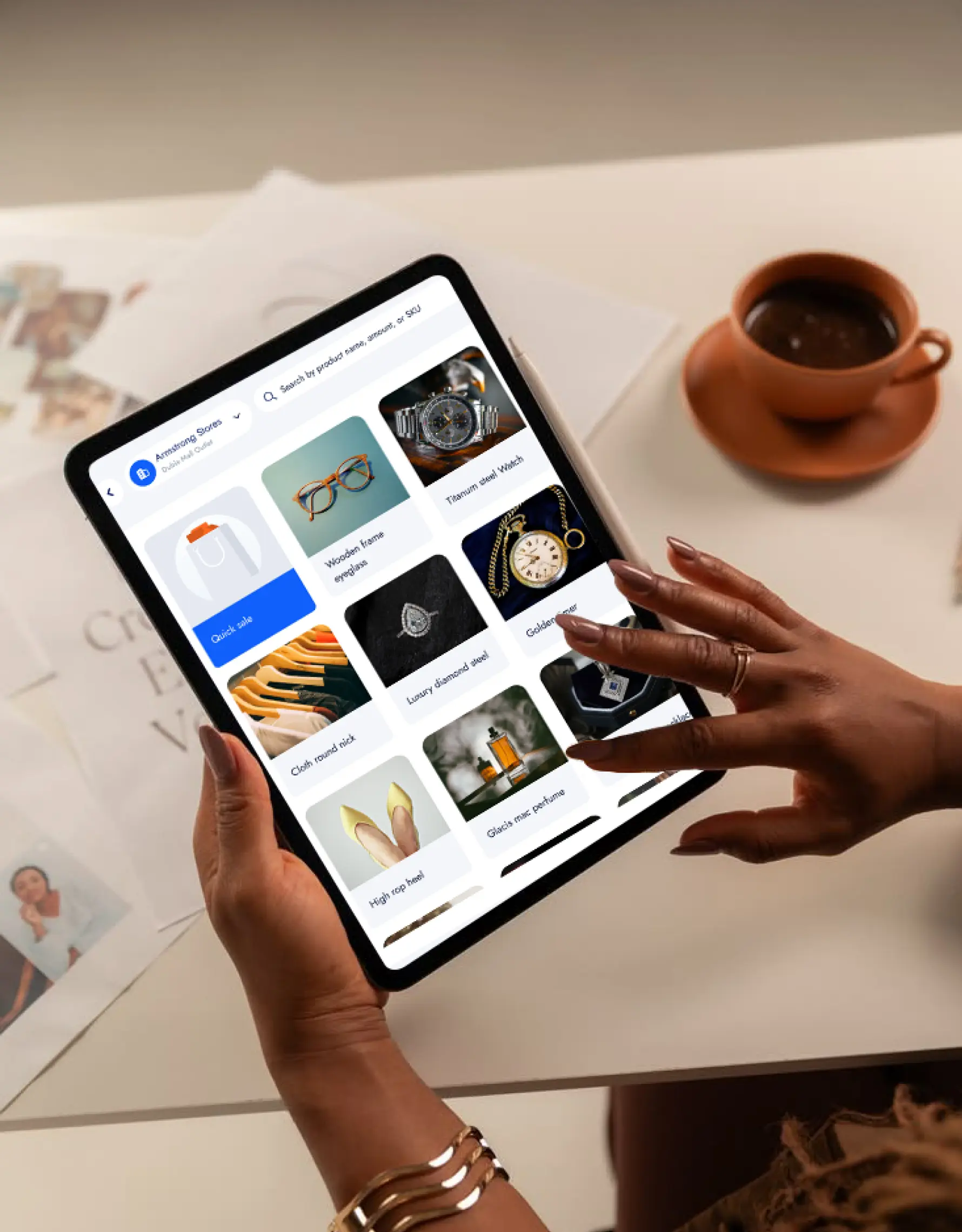
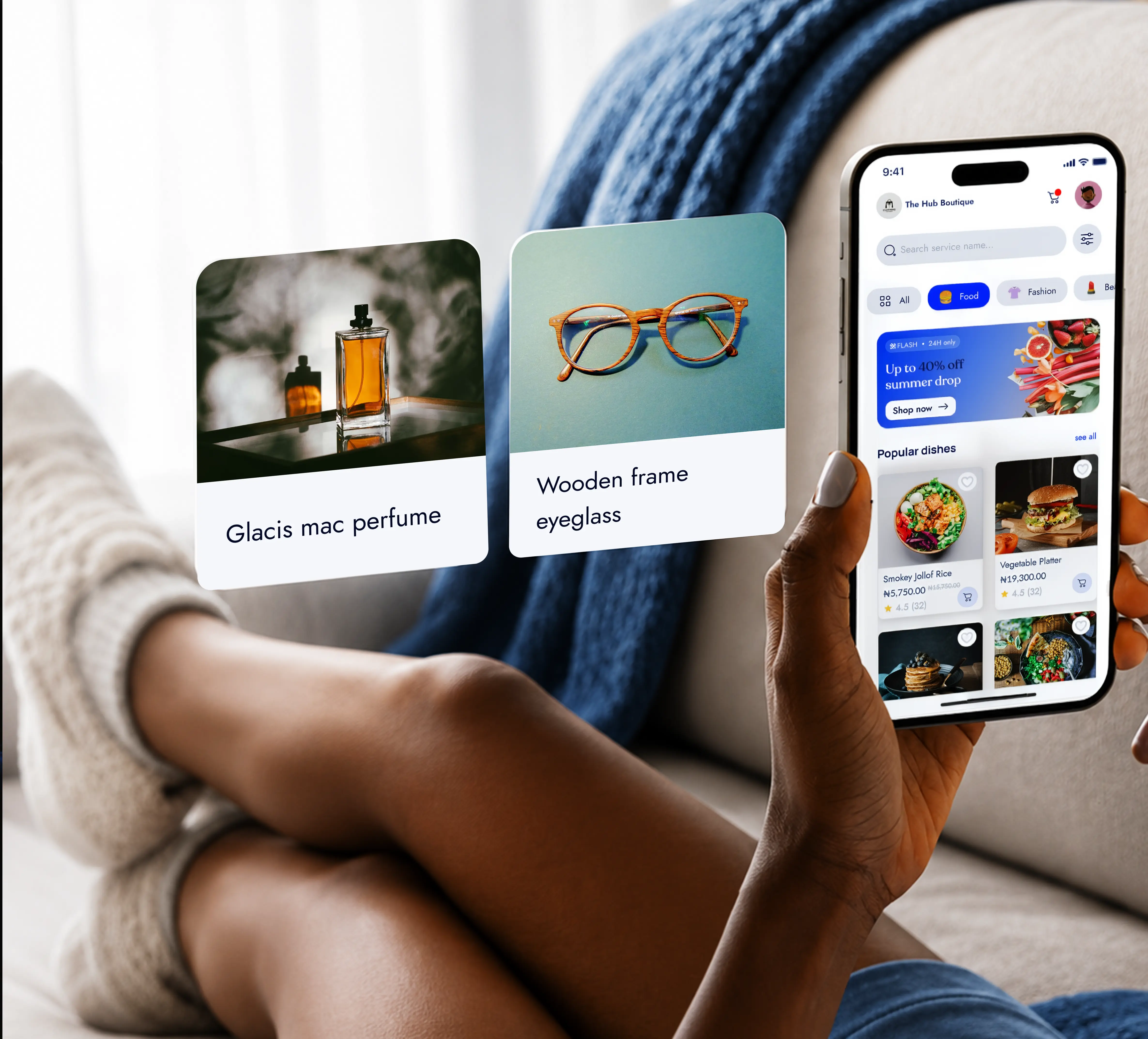
Sell from almost any device
Turn your phone, tablet or computer into a point of sale and use the same simple checkout wherever you sell.
Keep selling when you're offline
Continue recording sales when your connection drops, then sync them once you're back online.
Know who made every sale
Keep each transaction connected to the staff member who completed it, with roles and permissions you control.
Accept different ways to pay
Record cash, transfers, cards and terminal payments against the same sale so your numbers stay together.
Keep stock updated as you sell
Every completed sale automatically reduces the products sold from your available inventory.
Close the day with the numbers ready
See what you sold and how customers paid without adding everything up manually at the end of the day.
EVERYTHING YOU NEED
Everything Your Counter Needs
SIMPLE SETUP
SIMPLE SETUP
Start selling in four simple steps.
Start selling in four simple steps.
Start selling in four simple steps.
01
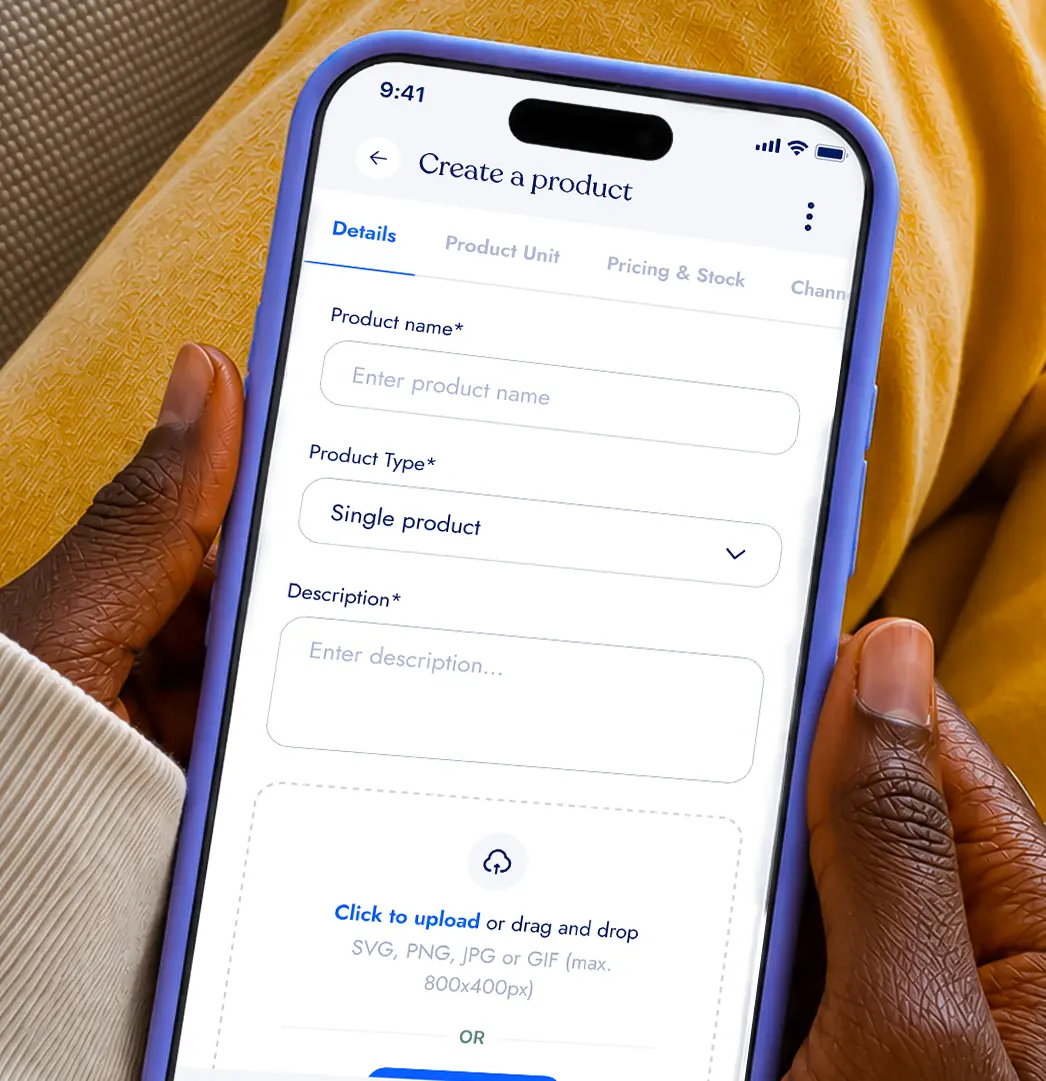
Add what you sell
Add your products and prices individually or import your existing inventory to get started faster.
Add what you sell
Add your products and prices individually or import your existing inventory to get started faster.
Open your sell screen
Access your POS from your phone, tablet or computer and start selling wherever your business operates.
Open your sell screen
Access your POS from your phone, tablet or computer and start selling wherever your business operates.
02
03
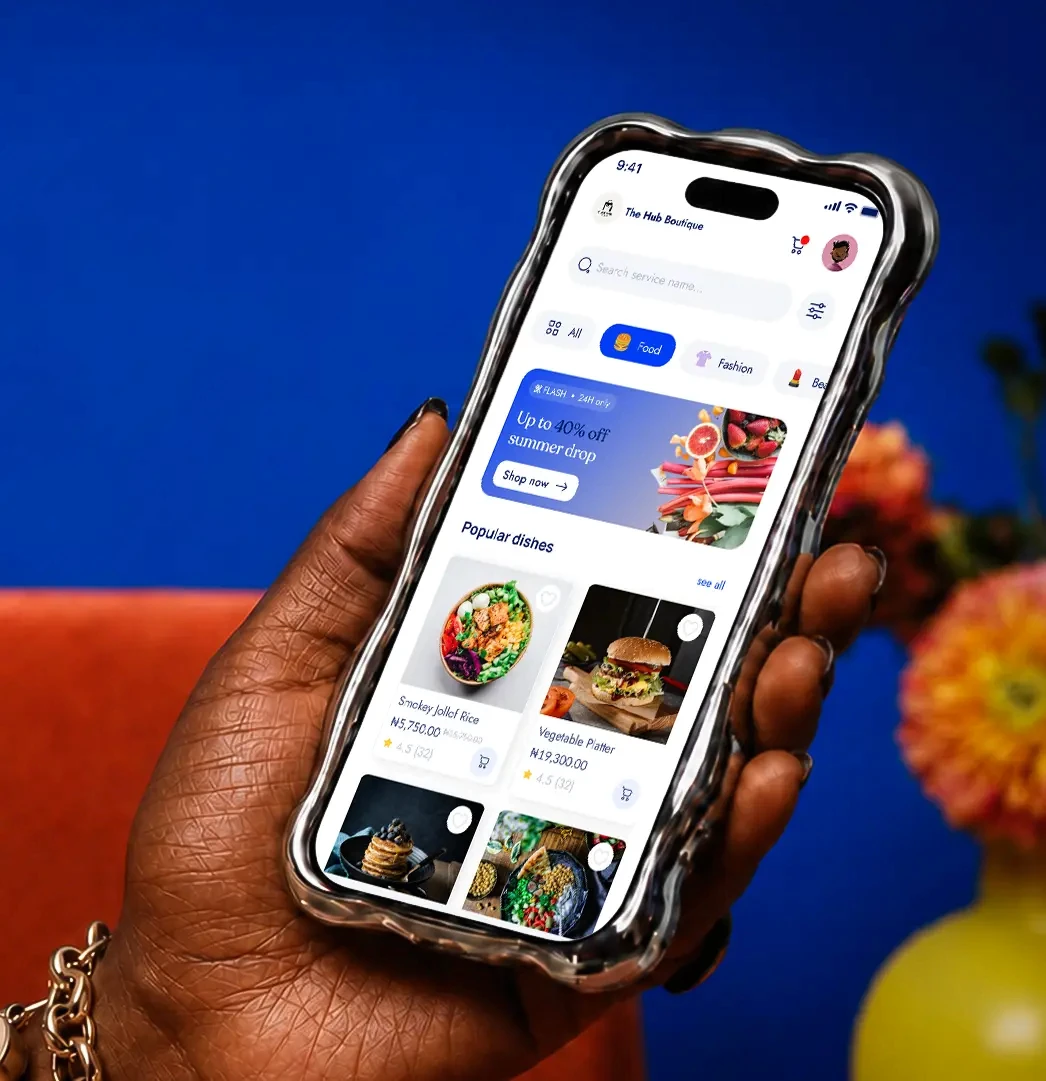
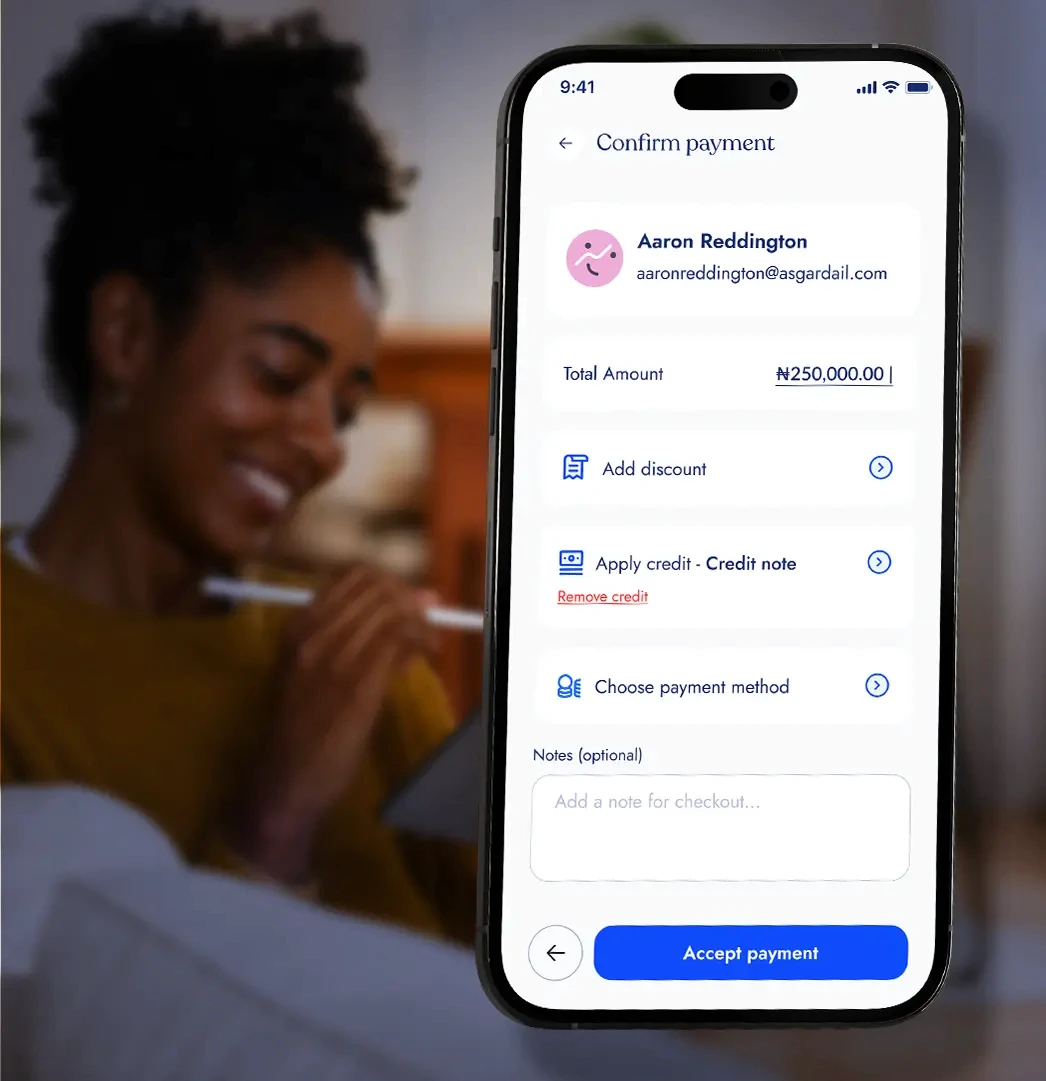
Ring up the sale
Add the customer's items, choose how they paid and complete the transaction in a few taps.
Ring up the sale
Add the customer's items, choose how they paid and complete the transaction in a few taps.
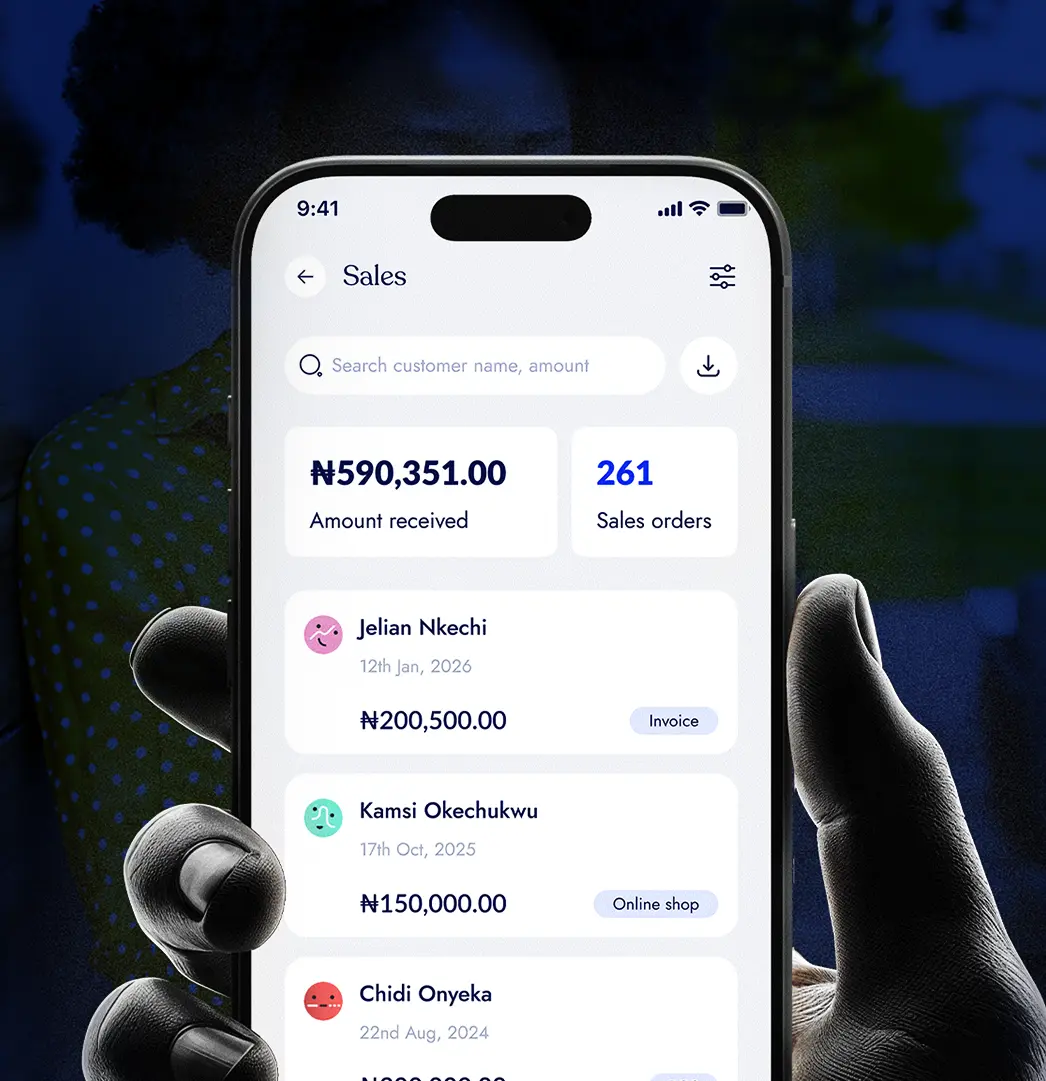
Everything updates
Once the sale is complete, BrandDrive updates your stock, sales records and daily totals automatically.
Everything updates
Once the sale is complete, BrandDrive updates your stock, sales records and daily totals automatically.
04
One Connected System
One Connected System
One sale. One connected business.
One sale. One connected business.
One sale. One connected business.
Payments
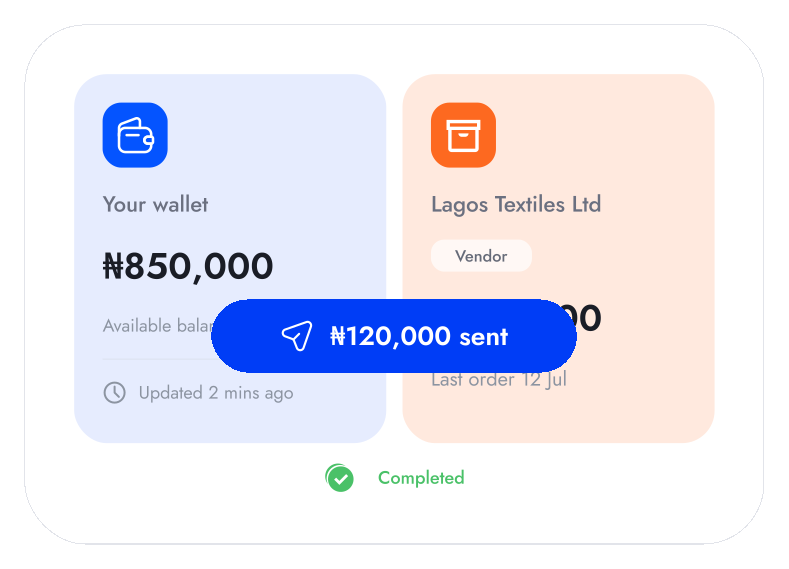
Whether a customer pays with cash, transfer, card or terminal, keep the payment method and transaction connected to the same sale for a clearer record of what came in.

Inventory
Keep stock updated with every sale.

Customers
Know who bought what and when
Analytics
See what's selling and how your day is going.
Payments
Whether a customer pays with cash, transfer, card or terminal, keep the payment method and transaction connected to the same sale for a clearer record of what came in.
Inventory
Every completed sale automatically reduces the products sold from your available inventory, helping your stock counts stay accurate without updating them manually.
Customers
Connect sales to your customers so you can see what they've purchased before, understand their history with your business and have more context when they return.
Analytics
Turn every completed transaction into a clearer view of your sales, best-selling products, busiest periods and overall business performance.

Payments
Whether a customer pays with cash, transfer, card or terminal, keep the payment method and transaction connected to the same sale for a clearer record of what came in.
Inventory
Every completed sale automatically reduces the products sold from your available inventory, helping your stock counts stay accurate without updating them manually.
Customers
Connect sales to your customers so you can see what they've purchased before, understand their history with your business and have more context when they return.
Analytics
Turn every completed transaction into a clearer view of your sales, best-selling products, busiest periods and overall business performance.
A completed sale does more than update your daily total. BrandDrive keeps the payment, stock, customer and business performance connected to the same transaction.
THE AI THAT KNOWS YOUR BUSINESS
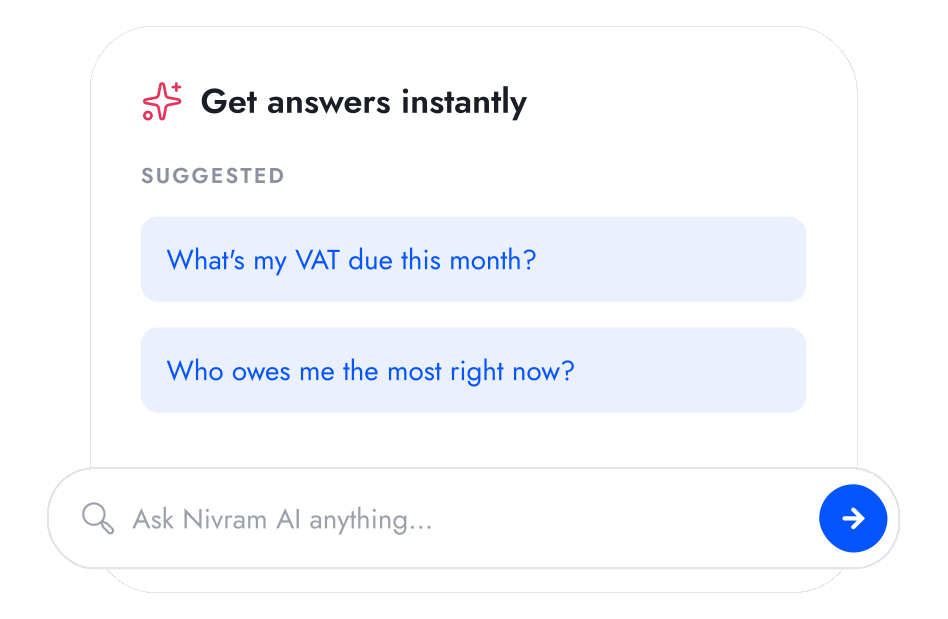
Ask what's happening across your sales.
Nivram uses your BrandDrive sales data to help you understand what's selling, when you're busiest and how your business is performing.
Explore Nivram
THE AI THAT KNOWS YOUR BUSINESS
Ask what's happening across your sales.
Nivram uses your BrandDrive sales data to help you understand what's selling, when you're busiest and how your business is performing.
Explore Nivram
THE AI THAT KNOWS YOUR BUSINESS
Ask what's happening across your sales.
Nivram uses your BrandDrive sales data to help you understand what's selling, when you're busiest and how your business is performing.
Explore Nivram

MULTI-LOCATION POS
See every location from one place.
Let each location sell independently while you keep a clear view of sales across the entire business.
MULTI-LOCATION POS
See every location from one place.
Let each location sell independently while you keep a clear view of sales across the entire business.
MULTI-LOCATION POS
See every location from one place.
Let each location sell independently while you keep a clear view of sales across the entire business.
BUILT FOR
BUILT FOR
Built for businesses where every sale counts.
Built for businesses where every sale counts.
Built for businesses where every sale counts.

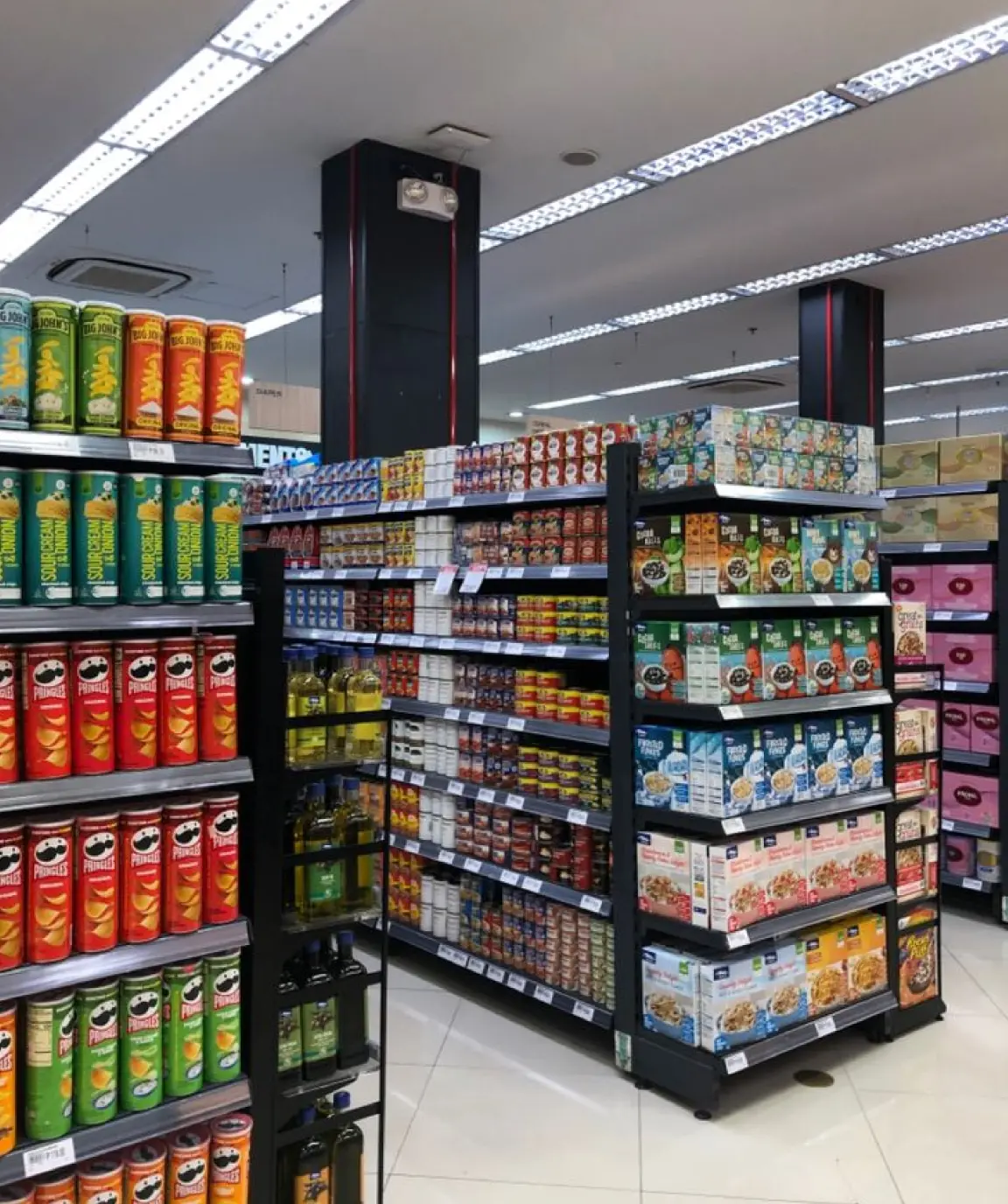
Retail & FMCG
Ring up customers quickly, keep stock moving and know exactly what sold throughout the day.
Learn more


Food & Hospitality
Keep checkout moving during busy periods and continue recording sales even when the connection isn't reliable.
Learn more

Multi-location Businesses
Let every location sell independently while you keep visibility across the entire business.
Learn more
Retail & FMCG
Ring up customers quickly, keep stock moving and know exactly what sold throughout the day.
Learn more
Food & Hospitality

Keep checkout moving during busy periods and continue recording sales even when the connection isn't reliable.
Learn more
Multi-location Businesses

Let every location sell independently while you keep visibility across the entire business.
Learn more
Retail & FMCG
Ring up customers quickly, keep stock moving and know exactly what sold throughout the day.
Learn more
Food & Hospitality
Keep checkout moving during busy periods and continue recording sales even when the connection isn't reliable.
Learn more
Multi-location Businesses
Let every location sell independently while you keep visibility across the entire business.
Learn more

Start free. Upgrade when you outgrow it.
Start free. Upgrade when you outgrow it.
BrandDrive has a free plan built for a one-person business. Add features as you grow. No card needed to start.
BrandDrive has a free plan built for a one-person business. Add features as you grow. No card needed to start.
BrandDrive has a free plan built for a one-person business. Add features as you grow. No card needed to start.
See pricing
Your questions,
answered
Your questions,
answered
Does BrandDrive POS work without internet?
Yes, on the Pro plan. Offline mode records each sale on the device and syncs automatically when the connection returns, so you keep selling through a network drop.
What payment methods can BrandDrive POS take?
BrandDrive POS records cash, bank transfer, card, and POS terminal payments on the same sale, so the record always matches the money.
Does BrandDrive POS update my inventory automatically?
Yes. Every sale decrements stock in real time and triggers low-stock alerts, so your shelf and your system stay in step.
Can I track which staff member made each sale?
Yes. Each sale is logged to the staff member who rang it up, with roles and permissions you control, and shifts reconcile at close.
What devices does BrandDrive POS run on?
It runs on any phone, tablet, or desktop, and syncs with a BrandDrive POS terminal for card payments.
Can't find what you're looking for? Reach out to our
team at hello@branddrive.co
Can't find what you're looking for? Reach out to our team at hello@branddrive.co
Can't find what you're looking for? Reach out to our
team at hello@branddrive.co
Does BrandDrive POS work without internet?
Yes, on the Pro plan. Offline mode records each sale on the device and syncs automatically when the connection returns, so you keep selling through a network drop.
What payment methods can BrandDrive POS take?
BrandDrive POS records cash, bank transfer, card, and POS terminal payments on the same sale, so the record always matches the money.
Does BrandDrive POS update my inventory automatically?
Yes. Every sale decrements stock in real time and triggers low-stock alerts, so your shelf and your system stay in step.
Can I track which staff member made each sale?
Yes. Each sale is logged to the staff member who rang it up, with roles and permissions you control, and shifts reconcile at close.
What devices does BrandDrive POS run on?
It runs on any phone, tablet, or desktop, and syncs with a BrandDrive POS terminal for card payments.
Does BrandDrive POS work without internet?
Yes, on the Pro plan. Offline mode records each sale on the device and syncs automatically when the connection returns, so you keep selling through a network drop.
What payment methods can BrandDrive POS take?
BrandDrive POS records cash, bank transfer, card, and POS terminal payments on the same sale, so the record always matches the money.
Does BrandDrive POS update my inventory automatically?
Yes. Every sale decrements stock in real time and triggers low-stock alerts, so your shelf and your system stay in step.
Can I track which staff member made each sale?
Yes. Each sale is logged to the staff member who rang it up, with roles and permissions you control, and shifts reconcile at close.
What devices does BrandDrive POS run on?
It runs on any phone, tablet, or desktop, and syncs with a BrandDrive POS terminal for card payments.